
Introduction
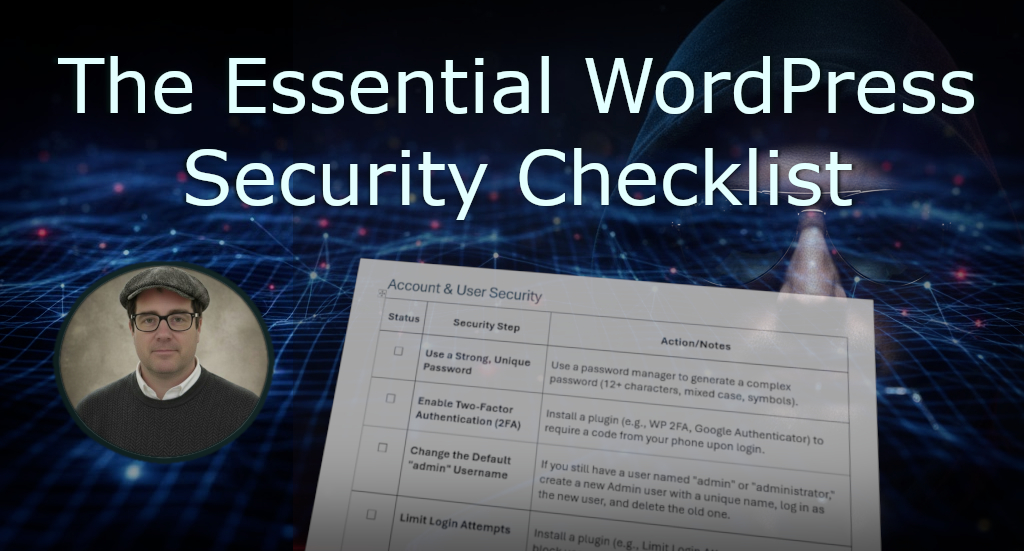
Your WordPress website is more than just an online brochure—it is a critical business asset. This WordPress security checklist is designed to help you secure that asset easily. A hacked website can lead to lost sales, damaged brand trust, legal liabilities, and expensive cleanup costs. By following these steps, you are effectively putting up a high-security fence around your site, protecting your business reputation, customer data, and financial stability from common attacks and hackers. Use this guide to systematically lock down your site and ensure it remains fast, reliable, and trustworthy.
- Download WordPress Security Checklist
- Recommended Resources & Further Reading
- Articles Related to WordPress Security Checklist
Download WordPress Security Checklist
You can print or download a copy of my WordPress Security Checklist
Recommended Resources & Further Reading
While my WordPress security checklist covers the essentials, the world of security is always evolving. Use these trusted, external resources and tools to dive deeper into specific topics and maintain your site’s long-term protection.
Trusted Security Guides & Resources
| Resource | Focus | Link |
| WPBeginner Security Guide | A highly-rated, beginner-friendly guide covering common security steps in detail. | The Ultimate WordPress Security Guide – Step by Step (2025) |
| Let’s Encrypt | Free SSL Certificates (necessary for HTTPS if your webhost doesn’t provide one). | Let’s Encrypt Official Site |
Top-Tier Security & Auditing Tools
These tools and guides are maintained by industry experts and are highly recommended for every WordPress site.
| Tool/Guide | Description & Benefit | Link |
| Sucuri Security Guide | A comprehensive guide to fixing and preventing malware and common attacks. | The Definitive WordPress Security Guide |
| UpdraftPlus Backup Plugin | A reliable solution for automated, offsite backups of your entire site (files and database). | UpdraftPlus WordPress Plugin Page |
Articles Related to WordPress Security Checklist
See my article Stop Hackers: A Guide to Security for a guide detailing the critical importance of long passwords, Multi-Factor Authentication (MFA), and the use of phishing-resistant Passkeys.
Got Questions?


Views: 166